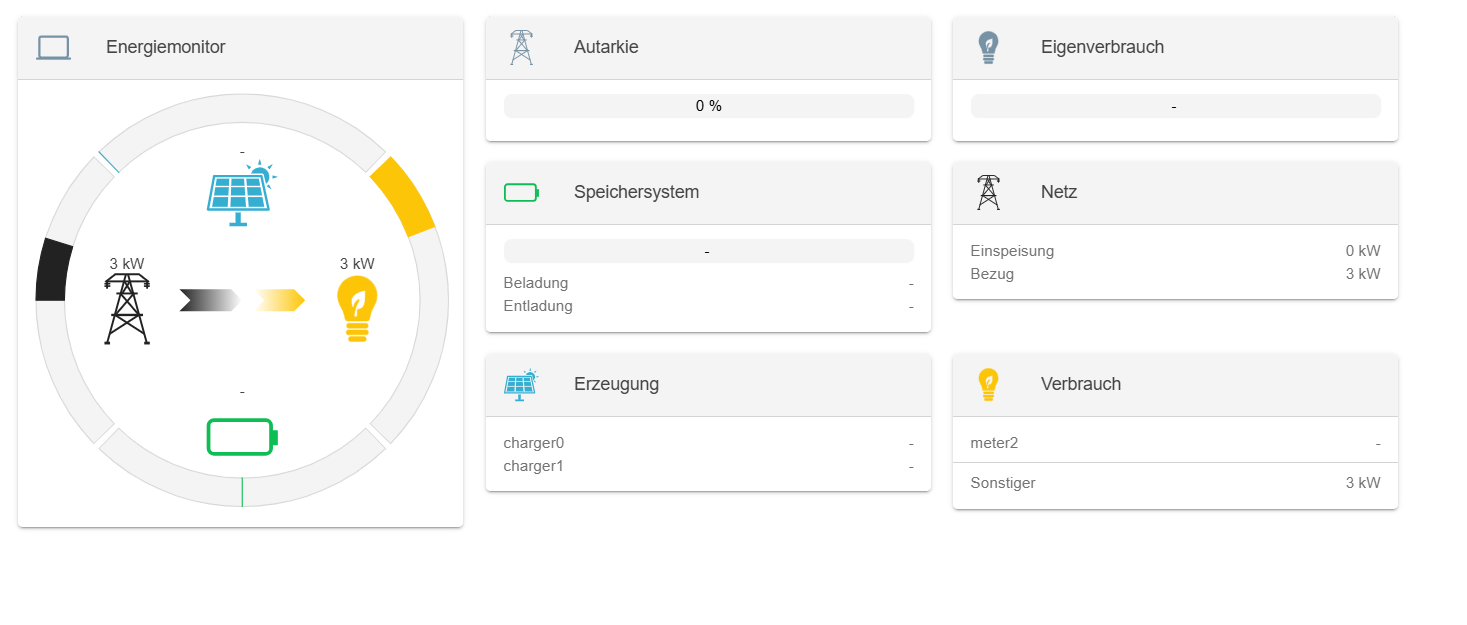
I want to write to specific Modbus registers (e.g., ess0/SetActivePowerEquals) directly from:
Apache Felix Web Console → Configuration, or
OpenEMS UI → Components / Controller,
However, from the current UI and Apache Felix configuration interface, it seems there is no direct way to perform the write action, even though the controller Controller.Api.ModbusTcp.ReadWrite is configured and running.
Is it possible (using the docker edge&UI ) to:
Write or override a channel value (like SetActivePowerEquals) via the OpenEMS UI or Apache Felix console,
And have that value actually sent over Modbus/TCP to the target device?
If yes, what’s the correct way or example setup to achieve that?
I think there’s a fundamental misunderstanding here about how OpenEMS works and what the Controller.Api.ModbusTcp.ReadWrite is designed for.
What you’re trying to do won’t work - and here’s why:
The Controller.Api.ModbusTcp.ReadWrite is an API Controller that exposes OpenEMS channels to external systems via Modbus/TCP. It allows external Modbus clients to read OpenEMS data
and potentially write to certain OpenEMS channels from outside. It does NOT provide a way for you to manually write values from the UI or Felix Console to control your ESS.
What’s actually happening:
Channels like ess0/SetActivePowerEquals are write-only channels that are controlled by Controllers during the OpenEMS cycle execution
These channels are written to by the Power Solver after collecting constraints from all active Controllers
What you probably want to achieve:
If your goal is to set a fixed active power value for your ESS, you need to use a Controller like:
Controller.Ess.FixActivePower - Sets a fixed active power setpoint for the ESS
Configure it via: UI → Settings → Config→ Add Controller → “Fix Active Power”
Set your desired power value (positive = charging, negative = discharging)
Enable the Controller
If your goal is to control OpenEMS from an external system:
Then the Controller.Api.ModbusTcp.ReadWrite is correct, but you need to:
Use an external Modbus/TCP client (like a PLC, SCADA system, or Python script)
Connect to the OpenEMS Edge Modbus server (default port 502)
Write to the exposed Modbus registers from that external client
Bottom line:
OpenEMS is designed as an autonomous control system with a sophisticated control loop, not as a manual control interface. You don’t write directly to hardware channels - you
configure Controllers that participate in the Power Solver’s optimization process.
Could you clarify what your actual use case is? Are you trying to:
Manually test the ESS with fixed power values? → Use Controller.Ess.FixActivePower
Control OpenEMS from an external automation system? → Use the Modbus API from that external system
Hello and thank for answer. I already simulated a modbus by python and it work fine.
By modbus poll, we can rewrite a register from outside. So what i am trying is writing some data from Apache& UI to my modbus simulator register.
As you said above, i think there is noway to do that without rebuild a custom edge, right?.
Thank you.